Windows
Installer for Windows 10 and 11. Adds Start menu and desktop shortcuts.
v0.3.3 · 3.7 MB
Download installerFree Minecraft launcher & client · v0.3.3
A fast, quiet launcher and in-game client for Fabric, Forge and vanilla.
The launcher
Shulker sets up the game, Java and your mod loader, then gets out of the way.
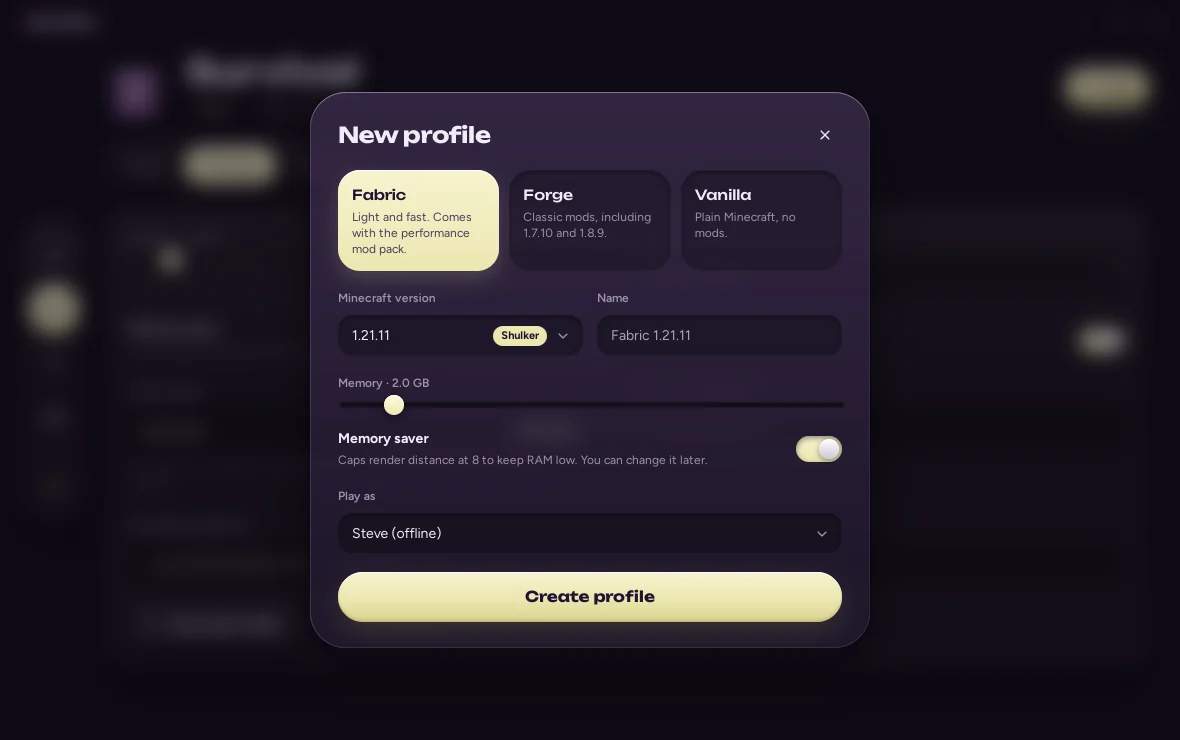
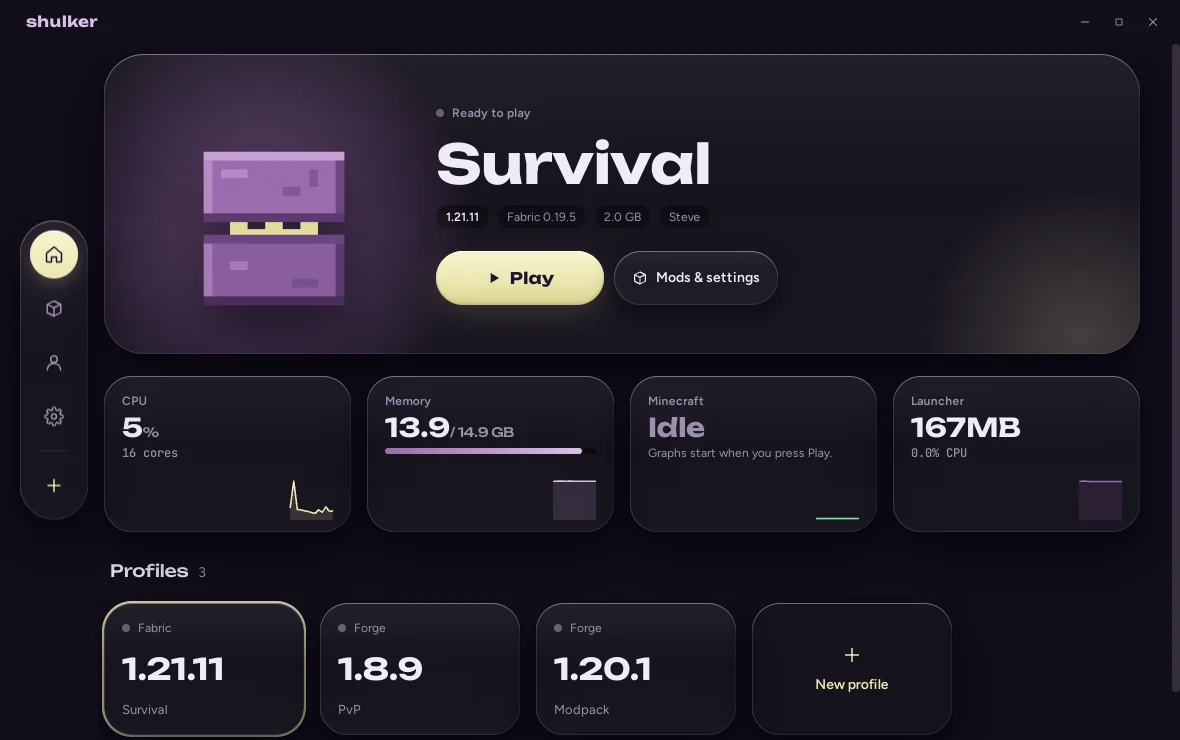
Fabric, Forge and vanilla profiles, each with its own mods and worlds.
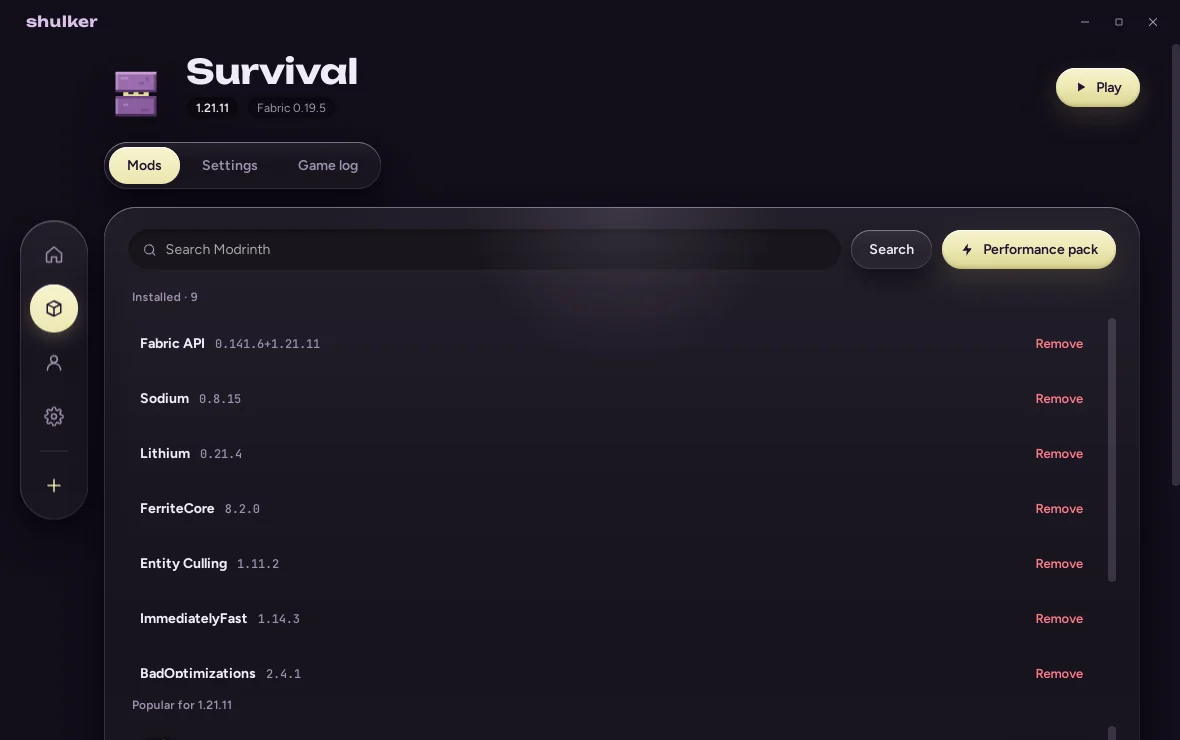
Sodium, Lithium, FerriteCore and more, installed on first launch.
See what the game and your system are using while you play.
Your version, server and play time on your profile. Optional.
The in-game client
Every HUD element and hotkey in one searchable menu. Click a card to switch it on.
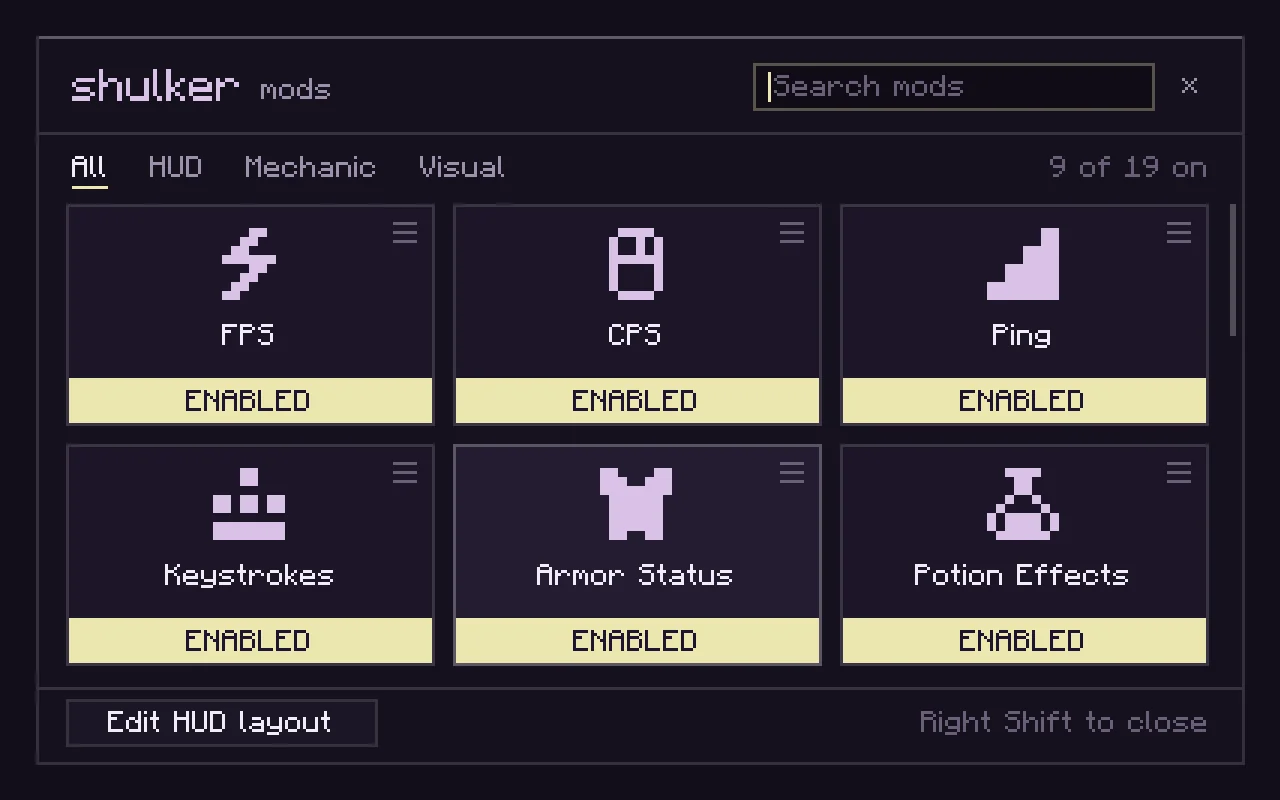
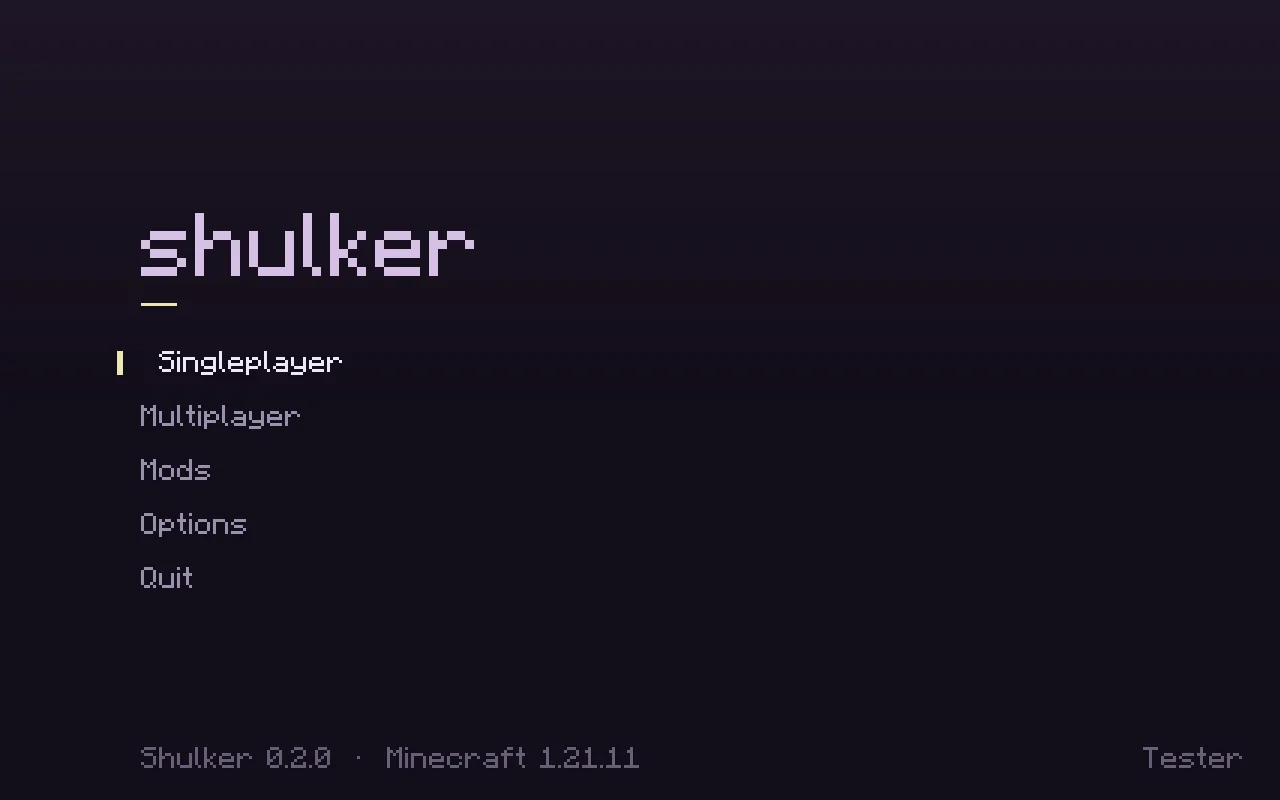
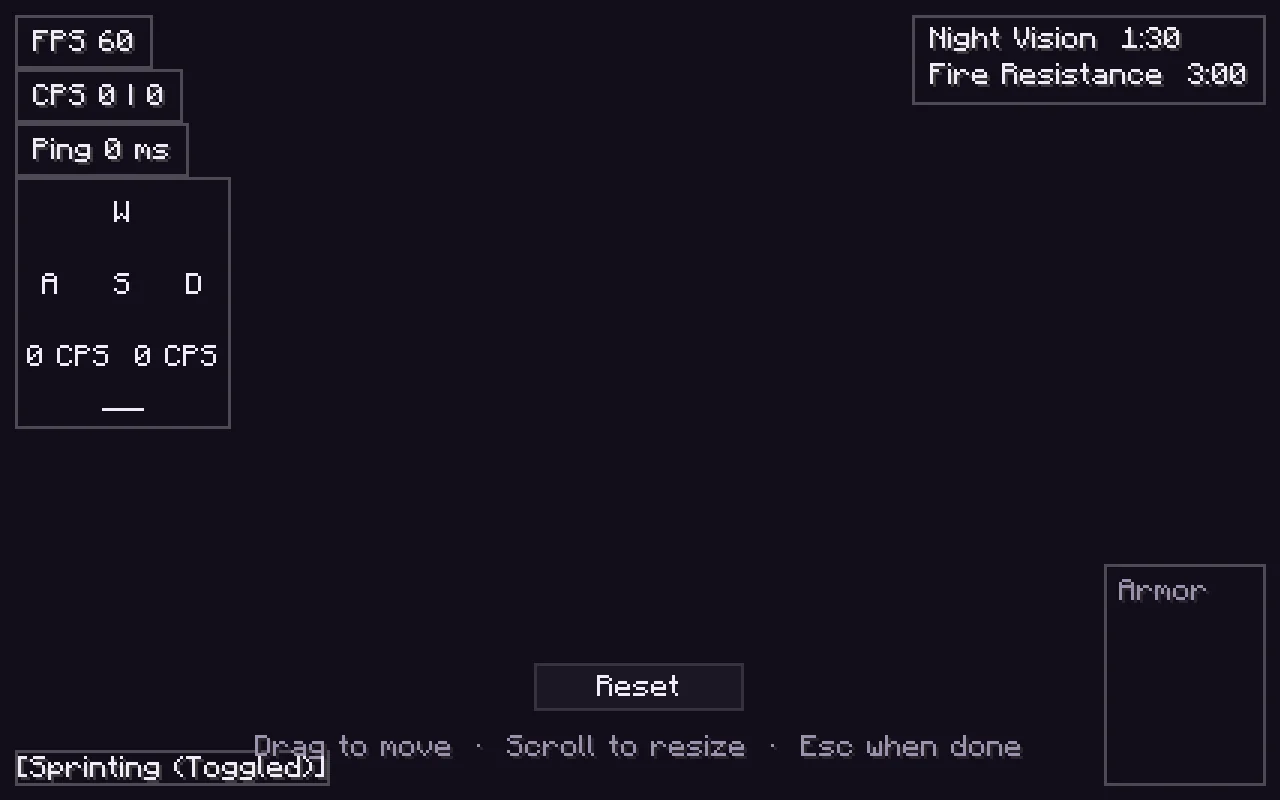
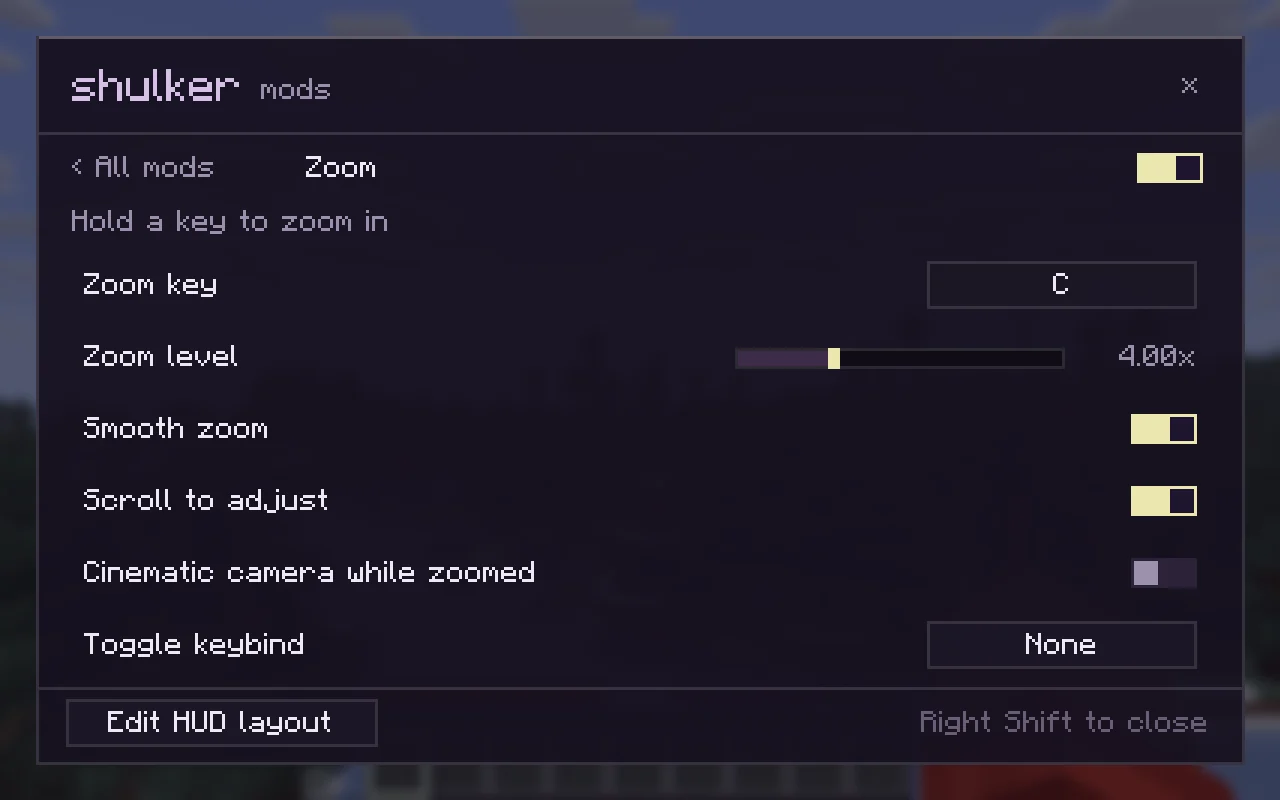
The in-game client is available on Fabric for Minecraft 1.21.4 and 1.21.11. The performance pack works on every Fabric version.
Performance
Idle memory of Minecraft 1.21.11 with Fabric, before and after Shulker's defaults.
Measured with a software renderer, which keeps textures in system memory, so read the numbers relative to each other. With a real graphics card, absolute usage is lower.
Download
Shulker is free. You need a Microsoft account that owns Minecraft: Java Edition to play.
Installer for Windows 10 and 11. Adds Start menu and desktop shortcuts.
v0.3.3 · 3.7 MB
Download installerNo install: unzip and run Shulker.exe. Keep WebView2Loader.dll next to it.
v0.3.3 · 4.5 MB
Download portable zipAppImage for x86-64. Make it executable, then run it.
v0.3.3 · 82.8 MB
Download AppImagechmod +x Shulker_0.3.3_amd64.AppImage
./Shulker_0.3.3_amd64.AppImageQuestions
The builds aren't code-signed yet, so SmartScreen doesn't recognise them. Choose More info → Run anyway. You can check the download against the SHA-256 shown above.
Yes. Shulker is a launcher for people who own Minecraft: Java Edition. You sign in with the Microsoft account that owns it (bought or through Game Pass), and Shulker checks the licence before you play.
Yes, once you've signed in. Offline accounts unlock after a Microsoft account that owns the game has been added, for singleplayer and offline-mode servers when you don't have internet.
Fabric profiles on Minecraft 1.21.4 and 1.21.11. Every other version still gets the launcher, the loaders and, on Fabric, the performance pack.
The launcher idles at under 3% CPU and minimises itself while you play. The performance pack and Shulker's Java settings usually make Minecraft use noticeably less memory than a default launch.